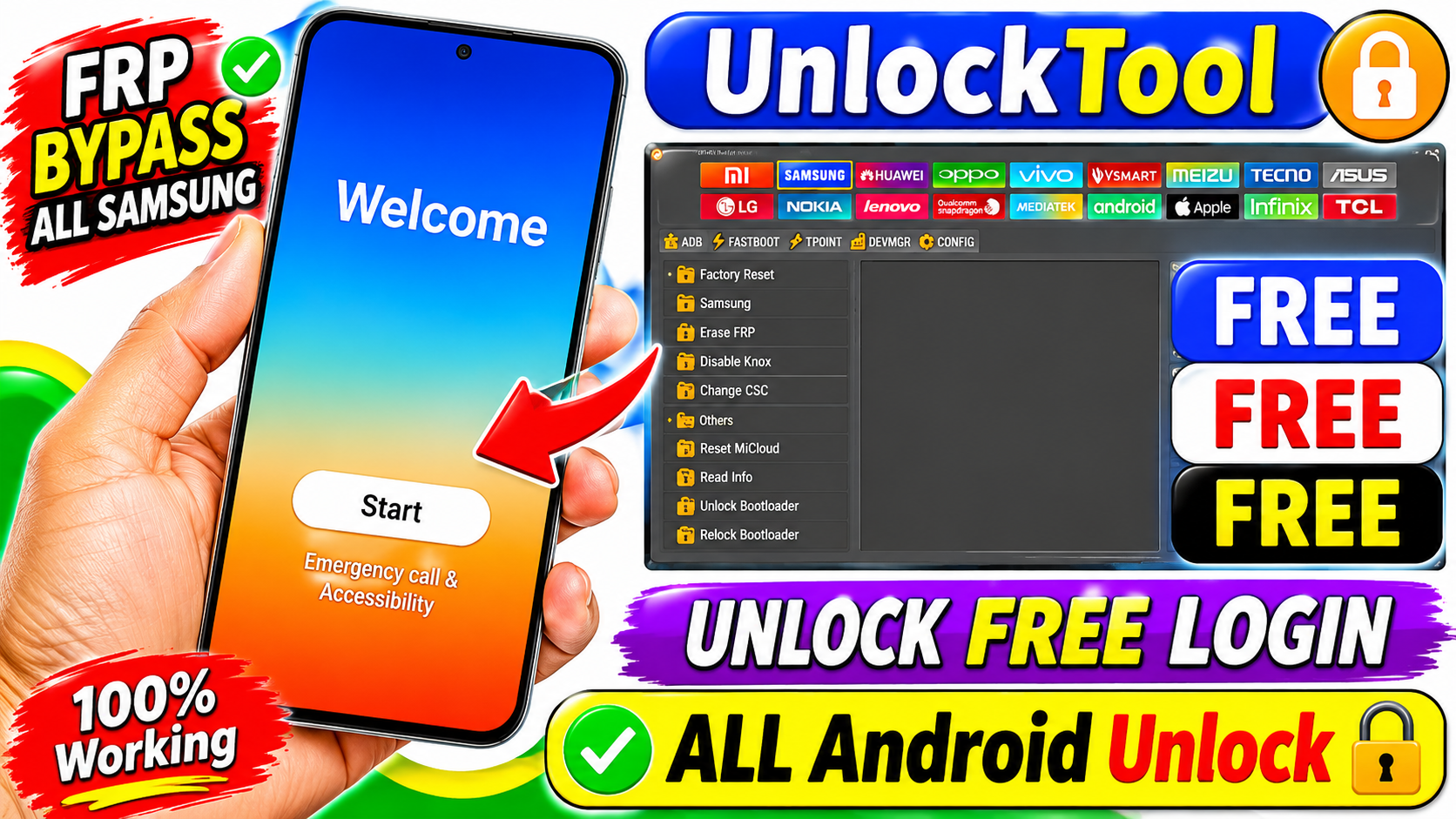
Unlock Tool V2026
Unlock Tool V2026 is a mobile servicing software utility designed for technicians and advanced Android users who work with supported smartphone maintenance and repair operations. Mobile repair professionals often need reliable computer-based tools to diagnose device problems, manage firmware-related tasks, and perform authorized servicing procedures.
The latest version of Unlock Tool may provide updated functionality, improved device compatibility, and additional servicing options. However, available features depend on the official release, supported device models, and the user’s account or licensing status.
In this guide, we cover the important information about Unlock Tool V2026 Latest Version Download, including its features, installation requirements, compatibility considerations, and safe usage recommendations.
What Is Unlock Tool V2026?
Unlock Tool is a Windows-based mobile servicing application associated with Android smartphone maintenance. It is intended primarily for mobile technicians, repair shops, and experienced users who need computer-assisted servicing functions.
Key Features of Unlock Tool V2026
1. Updated Device Compatibility
New software releases may introduce compatibility improvements for supported Android devices. Users should check the official version information before attempting any servicing operation.
2. Samsung Device Servicing
Samsung smartphones use different chipsets, firmware configurations, and security implementations. Unlock Tool may provide selected servicing functions for compatible Samsung models.
Always verify the exact model number and supported operation before starting.
3. MediaTek Device Support
MediaTek-powered Android devices use platform-specific servicing procedures. Compatible software versions may include selected maintenance functions for supported MediaTek devices.
Users should install the correct USB drivers and follow the manufacturer’s service documentation.
4. Qualcomm Device Compatibility
Qualcomm-based smartphones have their own connection modes and firmware requirements. Support varies by model, chipset, and software release.
5. User-Friendly Interface
A clear interface can help technicians identify available operations, monitor device connections, and review servicing information.
6. Windows-Based Operation
Unlock Tool is designed for Windows computer environments. A compatible Windows installation, updated drivers, and a stable USB connection are important for reliable operation.
How to Download Unlock Tool V2026 Latest Version
- Visit the official Unlock Tool website.
- Locate the latest available software release.
- Review the version information and supported features.
- Check the official licensing and activation requirements.
- Download the installer from the authorized source.
- Scan the downloaded file with reputable security software.
- Confirm that the installer is digitally signed when applicable.
- Follow the publisher’s installation instructions.
How to Install Unlock Tool on Windows
Once you have obtained a legitimate installer, follow the recommended installation procedure.
Step 1: Prepare Your Computer
Close unnecessary applications and make sure Windows is updated. Check that sufficient storage is available.
Step 2: Download the Installer
Download the latest supported
Step 3: Scan the File
Use Windows Security or another trusted antivirus program to check the installer before opening it.
Step 4: Run the Setup
Open the verified installer and follow the displayed instructions.
Step 5: Install Required Drivers
Install the appropriate USB drivers for your smartphone manufacturer and chipset.
Step 6: Open the Software
Launch Unlock Tool and follow the official account or licensing instructions.
Step 7: Connect a Supported Device
Use a reliable USB cable and confirm that Windows recognizes the connected smartphone.
Common Unlock Tool Installation Problems and Solutions
Unlock Tool Does Not Open
Check whether your Windows installation meets the software requirements. Install pending Windows updates and verify that the application was downloaded from a trusted source.
Device Not Detected
Try another USB cable or port. Install the appropriate manufacturer drivers and check Device Manager for connection errors.
Driver Installation Error
Remove conflicting outdated drivers where appropriate and install the correct driver package from the manufacturer’s official website.
Login or Activation Error
Check your internet connection and verify that your official account or license is valid. Contact the software provider if authentication continues to fail.
Software Closes Unexpectedly
Restart Windows, check for conflicting applications, and review the official release notes for known compatibility issues.
Advantages of Using Official Unlock Tool Software
Using an official software release provides several benefits:
- Authenticity: The installer comes from a trusted distribution source.
- Security: Official releases reduce the risks associated with modified packages.
- Updates: Users can check for published improvements.
- Compatibility Information: Official documentation helps identify supported devices.
- Technical Support: Licensed users may have access to publisher support.
- Reliable Installation: Verified installation files reduce unnecessary software problems.
Unlock Tool V2026 Latest Version is a software option worth exploring for mobile repair technicians and experienced Android users who need computer-based device maintenance features.
Before downloading, verify the official release, system requirements, supported smartphone models, and licensing conditions. Using an authentic installer and following proper servicing instructions can help reduce compatibility problems and protect connected devices.
If you are planning to use Unlock Tool for professional mobile servicing, always prioritize device compatibility, data backup, and authorized maintenance procedures.