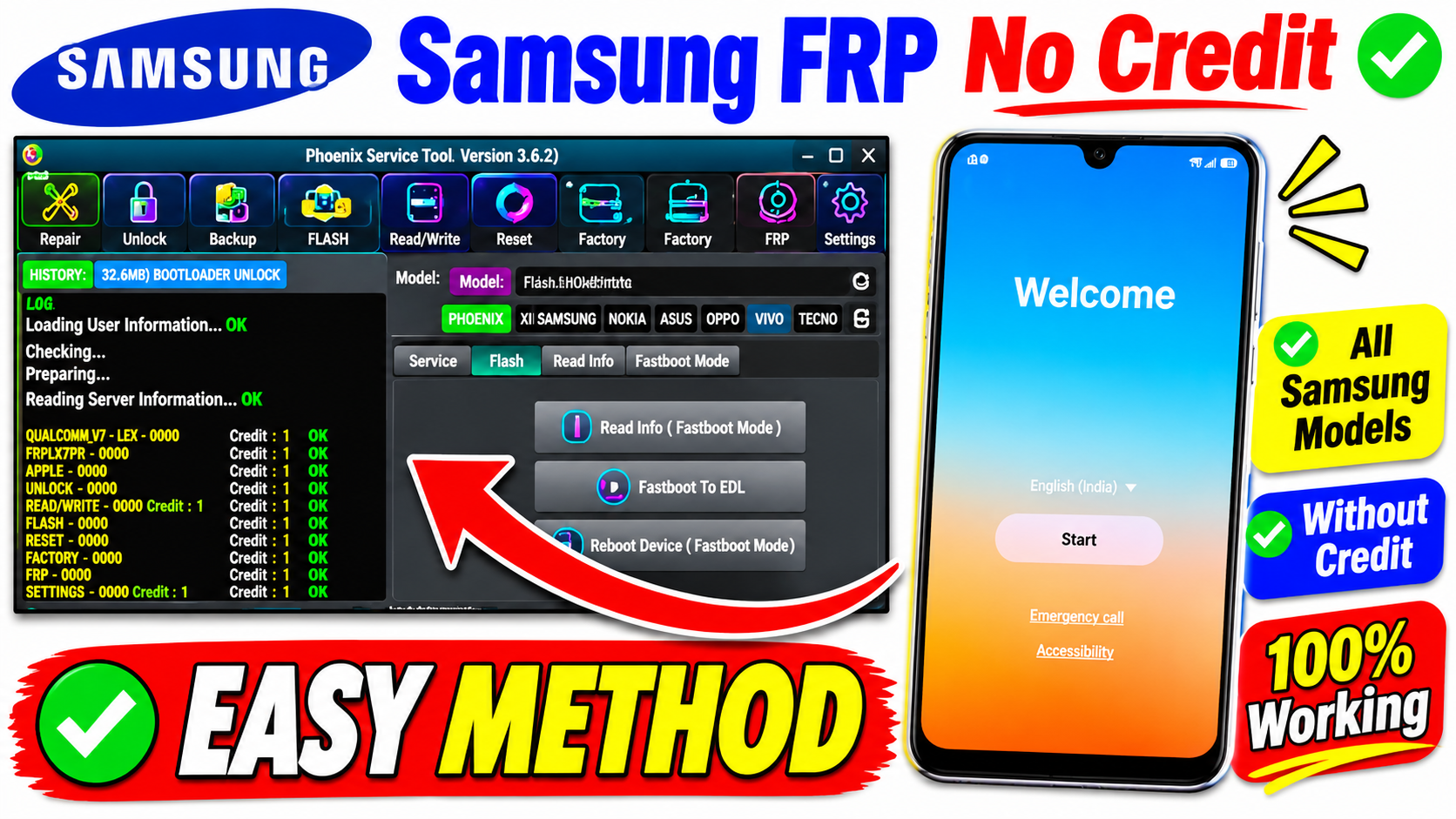
Phoenix Service Tool is a professional Android mobile servicing application designed for technicians and mobile repair professionals. It provides several useful functions for servicing supported smartphones, including Samsung and other popular Android brands.
The Phoenix Service Tool Latest Version 2026 offers a collection of mobile servicing features in one Windows-based application. Depending on the supported device model and software version, technicians can use it for device information, firmware-related operations, and other maintenance functions.
In this article, you will learn about Phoenix Service Tool, its Samsung features, supported devices, installation requirements, and how to get the latest version safely.
What Is Phoenix Service Tool?
Phoenix Service Tool is a multi-brand Android servicing utility developed for professional mobile technicians. It provides different servicing modules for supported smartphone brands.
The application includes Samsung-related servicing options and additional modules for brands such as Xiaomi, Vivo, Realme, Oppo, Nokia, and others.
It is designed to simplify common mobile repair operations through a single interface.
Phoenix Service Tool Latest Version 2026 – Features
Here are some of the important features available in Phoenix Service Tool.
1. Samsung Device Support
Phoenix Service Tool includes a dedicated Samsung servicing section. Depending on the supported model and security version, technicians can access available device maintenance functions.
2. Samsung FRP Servicing
The software advertises Samsung FRP-related servicing through supported connection modes. Availability depends on the device model, Android version, and security patch.
Supported Mobile Brands
- Samsung
- Xiaomi
- Vivo
- Realme
- Oppo
- OnePlus
- Huawei
- Honor
- Nokia / HMD
- Transsion
How to Install Phoenix Service Tool on Windows
- Extract the downloaded ZIP file if necessary.
- Open the extracted folder.
- Run the application according to its installation instructions.
- Register or log in if required.
- Install the appropriate USB drivers.
- Connect your supported Samsung device using a USB cable.
- Check the device connection.
- Select the appropriate supported servicing function.
Advantages of Phoenix Service Tool
- Multiple mobile brands in one application.
- Dedicated Samsung servicing options.
- Useful diagnostic and maintenance functions.
- Online servicing capabilities.
- Regular software updates.
- Windows-based user interface.
- Additional modules for supported Android devices.
Disadvantages of Phoenix Service Tool
- Some functions require internet access.
- Certain services may require paid credits.
- Not every Samsung model is supported.
- Server maintenance can affect availability.
- Incorrect operations may cause data loss.
Phoenix Service Tool Latest Version 2026 – Download Information
Below is the general software information.
| Software Details | Information |
|---|---|
| Tool Name | Phoenix Service Tool |
| Latest Officially Listed Version | V10.0.6.0 |
| Category | Android Servicing |
| Platform | Windows |
| Main Support | Samsung and Multiple Android Brands |
| Connection | USB |
| Internet | Required |
| License | Account / Service-dependent |
Frequently Asked Questions (FAQs)
1. What is Phoenix Service Tool?
Phoenix Service Tool is a Windows-based Android servicing application designed for professional technicians working with supported smartphone brands.
2. Does Phoenix Service Tool support Samsung?
Yes. The official website lists Samsung support, including certain device servicing and FRP-related functions.
3. Is Phoenix Service Tool free?
The application offers account registration, but certain operations may require purchased credits. Check the current pricing and service conditions.
4. Does Phoenix Service Tool work on Windows 11?
The official website lists Windows 10 and Windows 11 compatibility.
5. Does Phoenix Service Tool require an internet connection?
Yes. An active internet connection is required for online operations.
6. Can I use Phoenix Service Tool on all Samsung models?
No. Compatibility depends on the exact model, firmware, Android version, security patch, and available service functions.
7. Is Phoenix Service Tool safe?
Download it from the official website, scan the installation package, and understand the risks before performing any servicing operation.
8. Does Phoenix Service Tool support other brands?
Yes. Its official website lists several additional brands, including Xiaomi, Vivo, Realme, Oppo, OnePlus, Huawei, Honor, and Nokia/HMD.